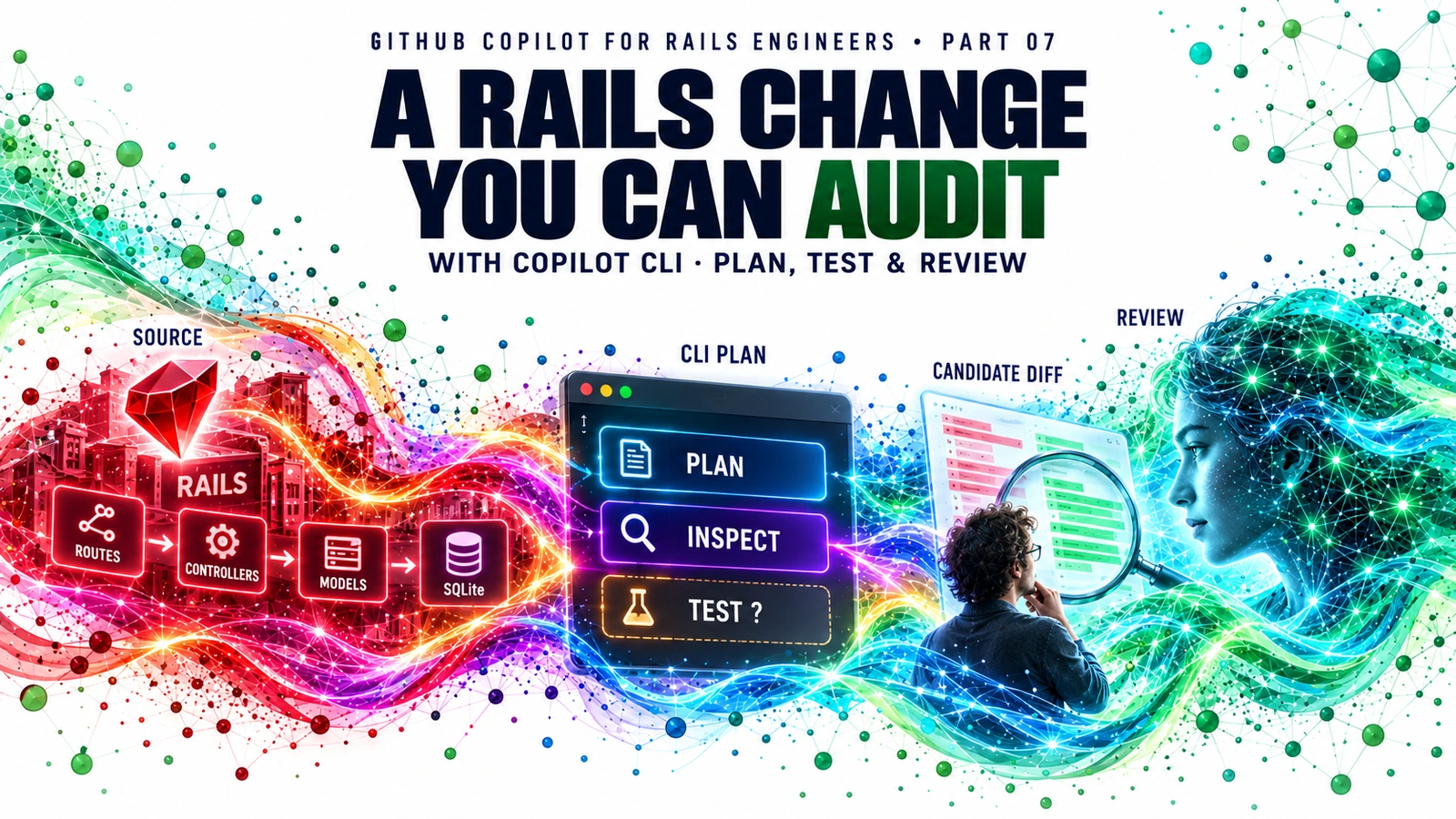
A useful agentic workflow leaves a trail you can inspect. Use Copilot CLI to plan one Rails change, approve each consequential action deliberately and report what the tests actually showed.
GitHub Copilot for Rails Engineers · Part 07
Part 06 ended with a hypothetical workshop and a request for one bounded experiment. Here is the developer’s next move: open the integrated CaseFlow Rails app on a Mac, ask GitHub Copilot CLI to plan a small status-resolution change, inspect what it wants to read or execute, and return a candidate diff with an evidence ledger. This post is a runnable teaching plan, not a transcript of a CLI session or a report of passing tests.
The cumulative companion package includes all seven posts, the complete CaseFlow Rails app, a macOS runbook, two-stage prompt, Ruby source preflight, editable Mermaid diagram, exercises with answers and an empty evidence ledger. Open github-copilot-rails-labs/README.md after download.
Contents
- Why the terminal changes the task
- Trust the directory and bound the request
- Plan against the actual Rails baseline
- Inspect every requested tool action
- Verify the candidate and report the outcome
- Try the guided lab
- References and supporting material
Why the terminal changes the task {:#why-cli}
In an editor, a developer often selects code, chats and accepts a suggestion. A terminal agent can navigate files and propose a sequence of operations, including commands that run tests or edit a branch. That can shorten the path from question to candidate diff, but a readable answer alone cannot establish that the patch works. The unit of progress is a verified artifact: source citation, plan, diff, command output, then human review.
GitHub documents Copilot CLI as an interactive tool launched from a directory containing code. It can use an @ file reference in a prompt, has a plan mode, accepts repository instructions, and asks for permission for tools that may modify or execute files. Those details may change, so follow the current usage guide for your installed version. This lab does not require an MCP server, hook, SDK, cloud agent or GitHub Desktop. Those extensions solve different needs; start with the smallest sufficient surface.
Trust the directory and bound the request {:#scope}
On macOS, GitHub currently documents a Homebrew installation with brew install --cask copilot-cli. Check your Copilot entitlement and organization policy before starting. Do not use an organization’s private repository without approval, and do not put tokens or customer records into the example.
From the companion repository root, the read-only Ruby preflight lists exact source paths and short SHA-256 fingerprints. It does not run Rails, install gems or contact GitHub:
ruby scripts/07_caseflow_cli_preflight.rb
git status --short
cd caseflow
copilot
If the CLI asks you to trust the directory, check that it is caseflow/ and that the starting Git tree contains no unrelated work. GitHub says the CLI may read, modify or execute files inside a trusted directory during a session; a request to use another directory requires separate access. Choose per-session trust if the workspace is disposable. Authenticate using the CLI’s /login flow if prompted; never paste a token into the article’s prompt.
The runbook distinguishes commands typed into your regular shell from text typed into an interactive Copilot session. Use VS Code alongside the terminal to inspect the exact diff. The repo already has .github/copilot-instructions.md and path-specific Rails guidance from Part 02; these guide the agent but cannot enforce a security policy by themselves.
Plan against the actual Rails baseline {:#plan}
The source file caseflow/config/routes.rb declares only index, show and create actions for api/requests. The model allows resolved as stored data, but the baseline has no route for a client to resolve a request. Part 03 supplies a separate candidate patch and synthetic issue for PATCH /api/requests/:id/resolve. Your CLI task is to plan and inspect a fresh, small candidate, then compare it with that issue. Do not tell the agent the endpoint already works.
With caseflow/ as your working directory, enable CLI plan mode using Shift+Tab if your installed version offers it. Paste stage 1 of the companion prompt. The @config/routes.rb and @app/models/service_request.rb references direct Copilot to files; the prompt explicitly forbids edits and commands during planning. Demand a path citation for each baseline claim, an explicit list of files it would change, focused negative tests and unknowns needing runtime or security review.
| Claim made during planning | What can establish it | What cannot establish it |
|---|---|---|
| Baseline has create/list/show routes | Inspect config/routes.rb
|
A confident agent answer without a file citation |
| Candidate patch proposes resolution | Inspect the candidate diff and issue | The baseline model’s allowed status value |
| New request specs assert auth failures | Inspect the proposed spec source | A claim that those specs passed |
| Change is ready for a client PR | Real runs, review and policy approval | Test generation alone |
If the plan adds a generic status-update API, exposes a token, or proposes a different service without evidence, stop and correct it before stage 2. A strong prompt narrows the task; it does not prove the answer.
Inspect every requested tool action {:#permissions}
GitHub’s CLI usage documentation says tools that could modify or execute files prompt for approval. That is a decision point, not a decorative dialog. Check the command, target files and working directory. Grant a narrowly scoped action only when you understand why it is needed. If the request would delete files, run a network installer or touch an external directory, reject it and request a safer plan. An approval for the rest of the session has a broader effect than approval once.
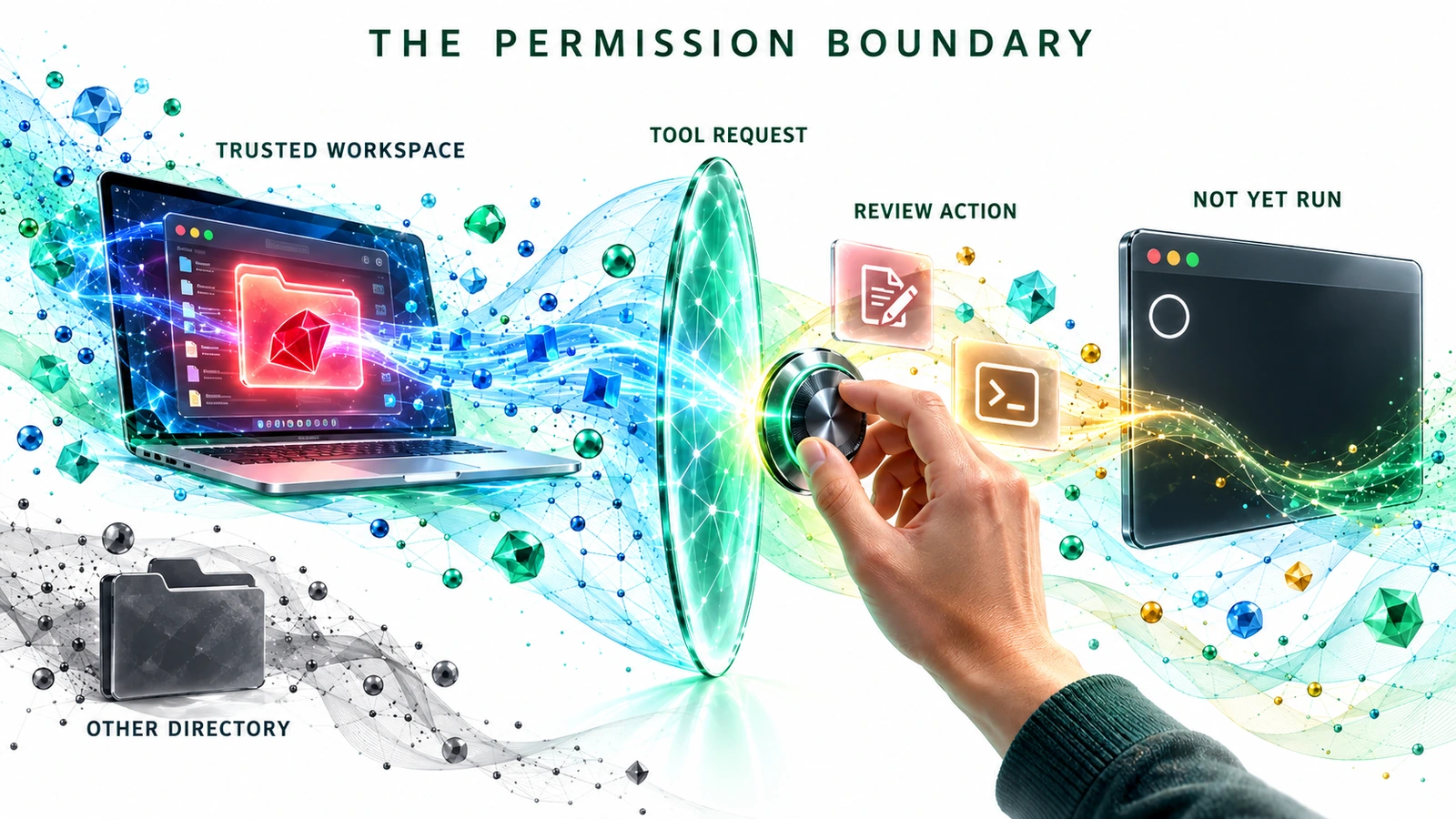
A permission prompt is where intention becomes an operation. Reading relevant source, proposing a diff and running a command are separate actions with separate evidence. The adjacent Mermaid source makes this sequence editable without treating the illustration as an executable policy.
The diagram is a proposed workflow. No tool request, diff, RSpec output or approval has been observed in this package. Its editable source is docs/diagrams/07-cli-evidence-gates.mmd.
Verify the candidate and report the outcome {:#verify}
Only after reviewing the plan and your branch should you paste stage 2 of the prompt to request a local candidate. Compare any change with the synthetic Part 03 issue, particularly negative cases for wrong/missing/unconfigured operator tokens. This lab’s token mechanism is an exercise constraint, not production authorization guidance. Discuss real auth, secrets and repository policy with the client.
In a separate terminal under caseflow/, review the diff and run the focused checks if dependencies are installed:
git diff --check
git diff -- config/routes.rb app/controllers/api/requests_controller.rb app/models/service_request.rb spec/requests/api/requests_spec.rb
bundle install
RAILS_ENV=test bin/rails db:prepare
bundle exec rspec spec/requests/api/requests_spec.rb
Record exactly what ran, its exit status and first failure in the evidence ledger. If Ruby, Bundler, SQLite or a resolved lockfile is missing, record the blocker. The existence of an RSpec file states expectations; it never stands in for a green test run. The Part 04 GitHub Actions sample remains staged under parts/04-ci-and-devsecops/, so it supplies no CI result here.
Close by showing the reviewer the actual diff, negative paths, test output or blocker, and remaining security questions. A rejected candidate with a precise diagnosis can be a better result than an unreviewed PR. That is what makes the CLI useful in a short consulting engagement: the team can inspect the path from a source-backed question to the next decision.
Try the guided lab {:#lab}
-
Orient (10 min): read the baseline route, Part 03 issue and your
git status; run the Ruby preflight if available. -
Plan (12 min): start CLI in
caseflow/, use stage 1 of the prompt and mark any uncited or inaccurate statement. - Approve (10 min): for a proposed write or shell command, state what it touches and approve only if it fits the lab. You may stop after planning.
- Verify (15 min): inspect the candidate diff, run focused checks when dependencies allow, and copy actual output or first blocker to the evidence ledger.
- Explain (8 min): summarize what is source fact, proposal, observed result and unresolved review. Compare your response to the workbook’s answer key.
References and supporting material {:#references}
-
Download the cumulative companion repository and Part 07 lab. Begin at
README.md→parts/07-cli-rails-change/README.md→docs/posts/07-cli-rails-change/article.md. - Companion paths:
parts/07-cli-rails-change/RUNBOOK.md,CLI-PROMPT.md,EVIDENCE-LEDGER.md,POST-BRIEF.md;scripts/07_caseflow_cli_preflight.rb;docs/labs/07-cli-workbook.md;docs/diagrams/07-cli-evidence-gates.mmd;docs/posts/07-cli-rails-change/post-manifest.md. - Previous CaseFlow lab:
parts/03-issue-to-pr/ISSUE.mdandcandidate.patch; staged workflow:parts/04-ci-and-devsecops/rails-pr.yml. - GitHub Docs: install Copilot CLI; use Copilot CLI and approve tools; compare instructions, skills, tools and hooks.
- Microsoft’s free hands-on Copilot CLI course for optional further practice.